
Printhead control board
Design the drive solution according to the target printhead's connector, pinout, voltage, data link and load requirements.
FHES / PRINTHEAD CONTROL
In-house printhead control boards and firmware organize drive control according to the printhead electrical interface and printing job; validate specific compatibility by model and project.
The image shows a control circuit board from the brochure. Confirm the drive solution and firmware configuration against the specific printhead, ink and project tasks.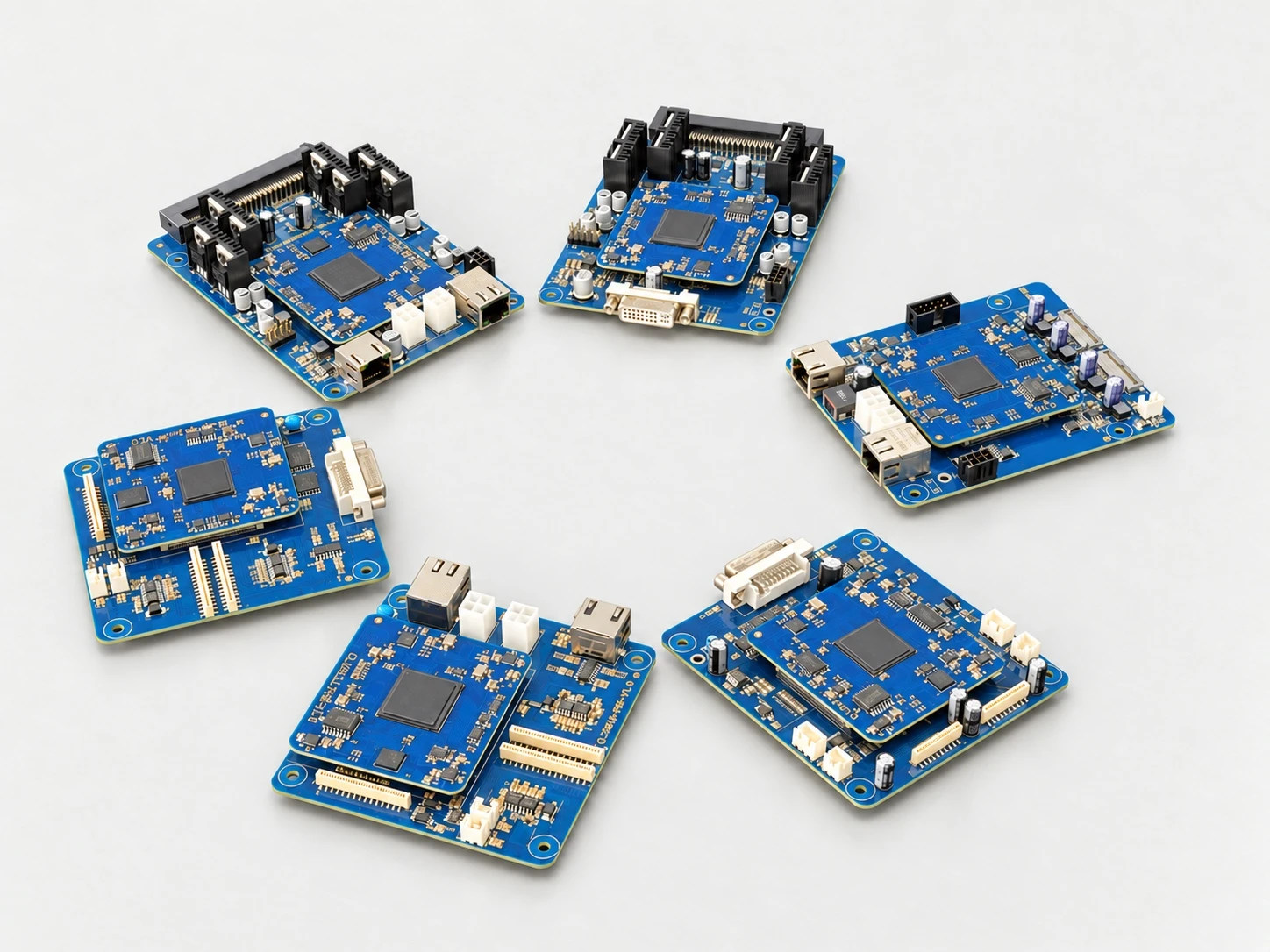
01 / BOARD + FIRMWARE
The circuit board provides interfaces and electrical drive signals; the firmware organizes image data, firing timing, triggers and operating status.
Design the drive solution according to the target printhead's connector, pinout, voltage, data link and load requirements.
Organize data according to nozzle arrangement and operating method, coordinating transmission, waveforms, print actions and status diagnostics.
Submodels, interfaces or versions within the same printhead series may require different compatibility arrangements; refer to the specific board and firmware version.
02 / CONTROL CHAIN
Check data organization, trigger synchronization, drive timing and printhead output against the printing job.
Content and raster data
Trigger and movement
Waveform and timing
Printhead output
03 / PRINTHEAD PLATFORMS
Existing materials list the series and compatibility areas covered; check specific submodels and interface versions during the project.
| Brand/ Platform | Series or Model |
|---|---|
| Ricoh / Ricoh | G2、G4、G5、G6、G5F |
| Seiko / Seiko | 508、510、1020、1536 |
| Toshiba / Toshiba | CE4、CF6R |
| Konica Minolta | KM1024i Series |
| Xaar / Xaar | Xaar 2002 |
| Kyocera / Kyocera | KJ4A-RH、KJ4B-YH、KJ4B-QA |
The above is an R&D coverage list or compatibility direction from existing materials; it does not mean all models from the same brand are directly interchangeable. Final confirmation depends on the actual printhead, board, firmware and printing validation results.
04 / PROJECT VALIDATION
Check the printhead electrical interface and drive requirements first, then validate the printing job and production-line synchronization.
Brand, complete model, interface version, official documentation and the physical nameplate.
Width, resolution, line speed, print content and trigger-synchronization requirements.
Check board and firmware versions, and complete wiring, waveform, sample-print and stable-operation tests.
The compatibility range described in the brochure provides the solution basis; actual supply and function availability depend on project confirmation and validation results.
APPLICATION TEST / FHES
Provide the complete printhead model, interface documentation, ink, target line speed and print samples to help confirm boards, firmware and the project validation plan.