
FHES / PIJ & PRODUCT SYSTEMS
Focus on PIJ Printing
and Supporting Systems
Explore PIJ printing by series, and browse inspection, software, ink systems, printhead control, UV curing and consumables.
Browse PIJ Series01 / NEW PRODUCT SPOTLIGHT
New Product Recommendations
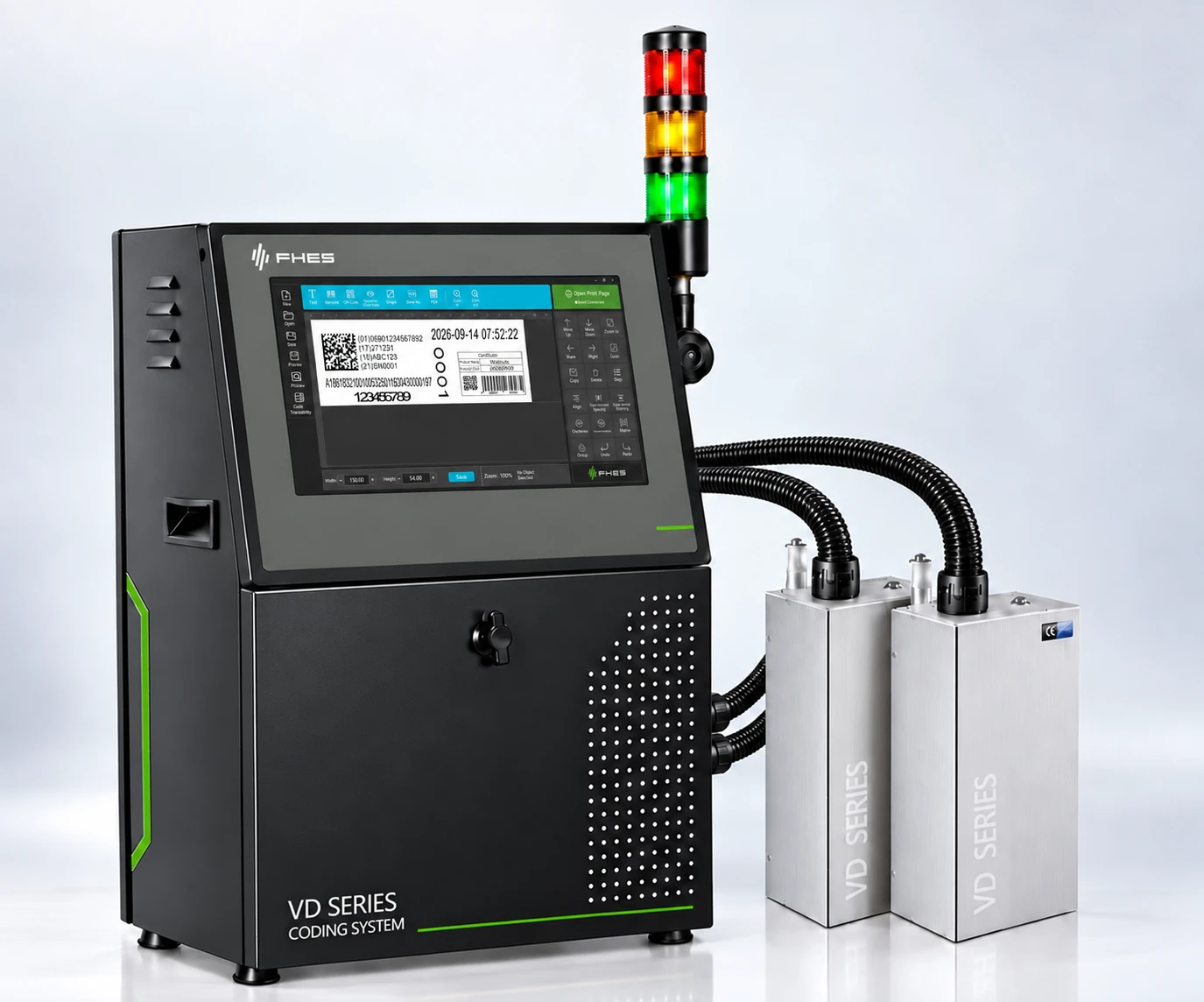
VD200+
GEN5 platform and intelligent ink-path control for coding tasks with higher stated line speeds.
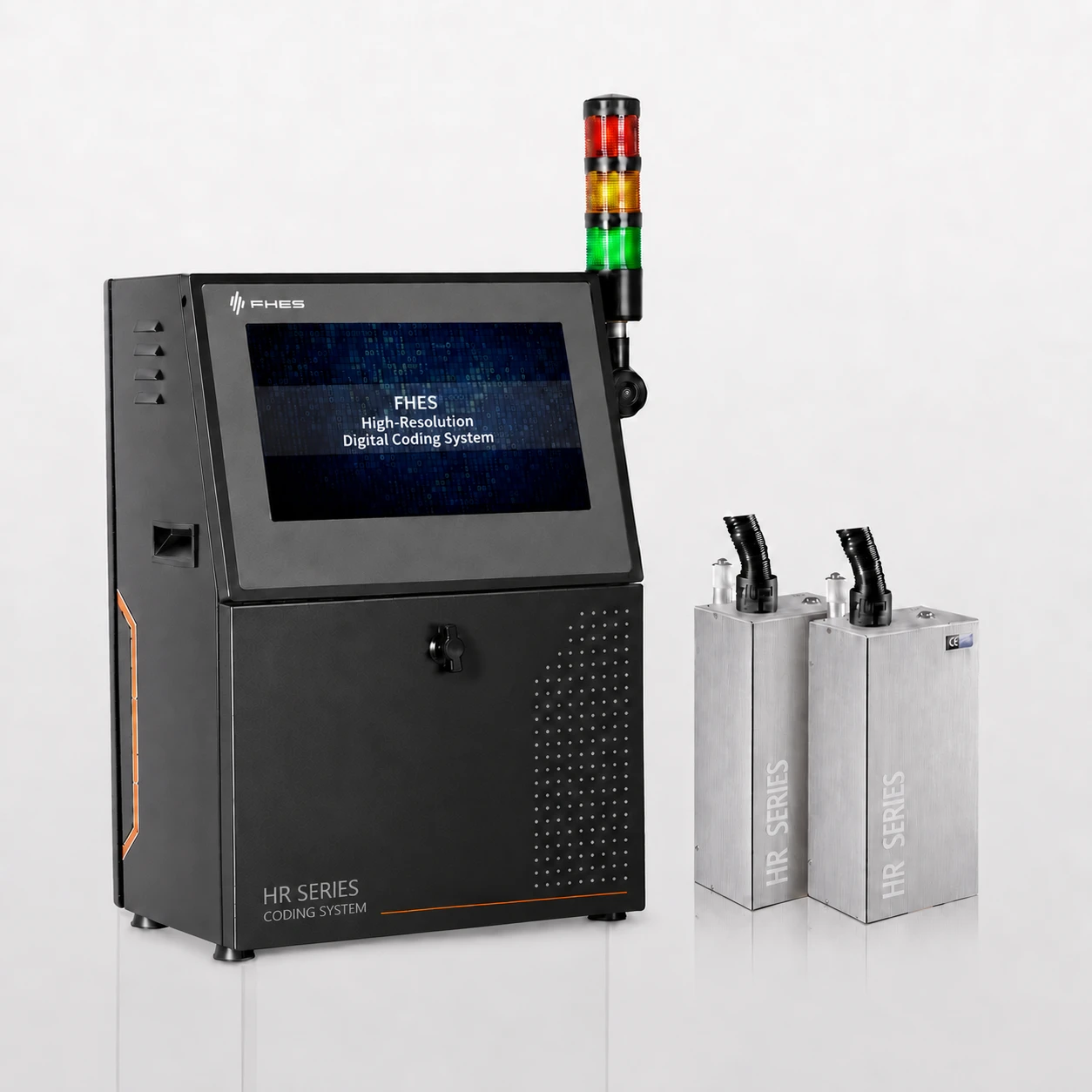
VD200E
GEN5 platform and intelligent ink-path control for clear coding at lower line speeds.
02 / PIJ SERIES
PIJ product series
SL Series
CCS Recirculating Ink Supply
Recirculating printheads and CCS recirculating ink supply for continuous production lines.
Explore SeriesS Series
FCS Full-Loop Ink Circulation
Dual-end pressure feedback and dual-pump PID for printing in multiple orientations.
Explore SeriesED Series
High-Speed Modular Piezo Inkjet Printing
Ten models with printheads selected by print width, resolution and line speed.
Explore SeriesVD/KD series
Two ink supply configurations in the same product series
Select the model for the printing job, then choose VD intelligent negative-pressure or KD intelligent siphon ink supply according to the ink supply conditions.
Explore SeriesLDi Series
Compact Modular Digital Inkjet Printing
Compact 304 stainless-steel enclosure with intelligent siphon ink supply; six models selected by print width and resolution.
Explore SeriesMD/SD Series
Two ink supply configurations sharing an international-version platform
MD intelligent negative-pressure and SD intelligent siphon ink supply share the i7 international-version platform; confirm the configuration based on the printhead, ink and workstation conditions.
Explore Series03 / PRODUCT SYSTEMS
Related Product Systems
Production Line Support
Inspection, motorized printhead positioning, UV curing and consumables.
PIJ + OCR / VISION INSPECTION
Inspection Systems
Coordinate printing and visual inspection around the same job, covering item-by-item verification, exception records and result traceability; validate the specific configuration for the project.
Motorized Printhead Positioning System
Set a home position, working positions and multiple presets. Motorized left/right movement and automatic homing help quickly position printheads and visual inspection components during product changeovers.
Explore System ↗FHES / PRODUCT SYSTEMUV Curing Systems
The SL series LED UV water-cooled curing equipment offers three lamp-head sizes: 6040, 6545 and 8060. Each is available with B1 variable-frequency energy control or V1 knob adjustment, giving six configurations in total.
Explore System ↗FHES / PRODUCT SYSTEMConsumables
Includes water-based, oil-based and UV-curable inks, with compatible cleaning agents and printhead wipes; select through sample printing based on the printhead, substrate and post-processing conditions.
Explore System ↗Technology Showcase
Software, ink systems and printhead control.
Software Systems
Easyprint printing software connects layout editing, variable data, print jobs and operating status in the same workflow.
Ink Systems
InkLink control with PCS, CCS and FCS ink supply systems; select configurations for the model, ink and operating conditions.
Printhead Control System
In-house printhead control boards and firmware organize drive control according to the printhead electrical interface and printing job; validate specific compatibility by model and project.
Explore System ↗SELECTION / INK SUPPLY + PLATFORM
VD/KD and MD/SD: compare ink supply and platforms first
A shared platform does not imply identical application conditions. Establish ink, printhead and direction before checking model-specific width and speed.
| Series and example model | Ink supply | Orientation and task | Single-head width / speed example | Platform and expansion |
|---|---|---|---|---|
| VD / VD200 ↗ | Intelligent negative pressure | VD V1.0 base configuration: downward printing | 54 mm / 110 m/min | Choose host and single/dual modules by model |
| KD / KD200 ↗ | Intelligent siphon | Multi-orientation tasks; test upward or steep-angle printing | 54 mm / 110 m/min | Shared VD/KD platform; different ink supply |
| MD / MD200 ↗ | Intelligent negative pressure | Validate orientation for ink, head and station | 54 mm / 110 m/min | i7 international platform; single/dual heads by configuration |
| SD / SD200 ↗ | Intelligent siphon | Validate layouts by model and installation | 54 mm / 110 m/min | Shared MD/SD international platform; different ink supply |
Speed examples apply to the corresponding 200 models at 600 × 600 dpi physical resolution in single-dot mode, not the entire series or actual throughput. VD200+ and VD200E are separate models with their own conditions. Confirm stitched width, head count, ink and chassis against the model.
Product brochures and downloads ↗NEXT STEP / APPLICATION TEST
Not sure which model to choose?
Provide samples, print content and target line speed, then begin with site testing to confirm the configuration.