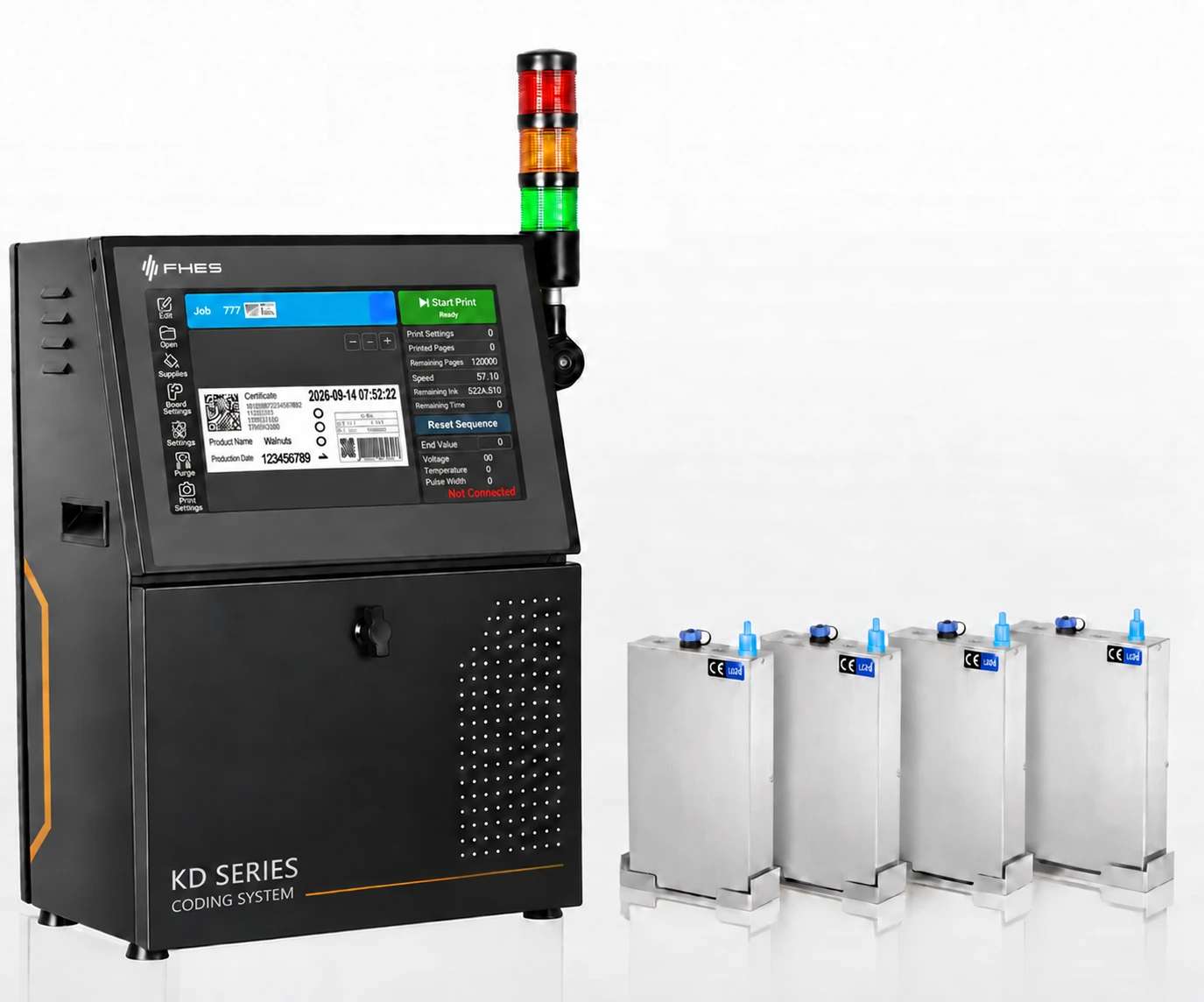
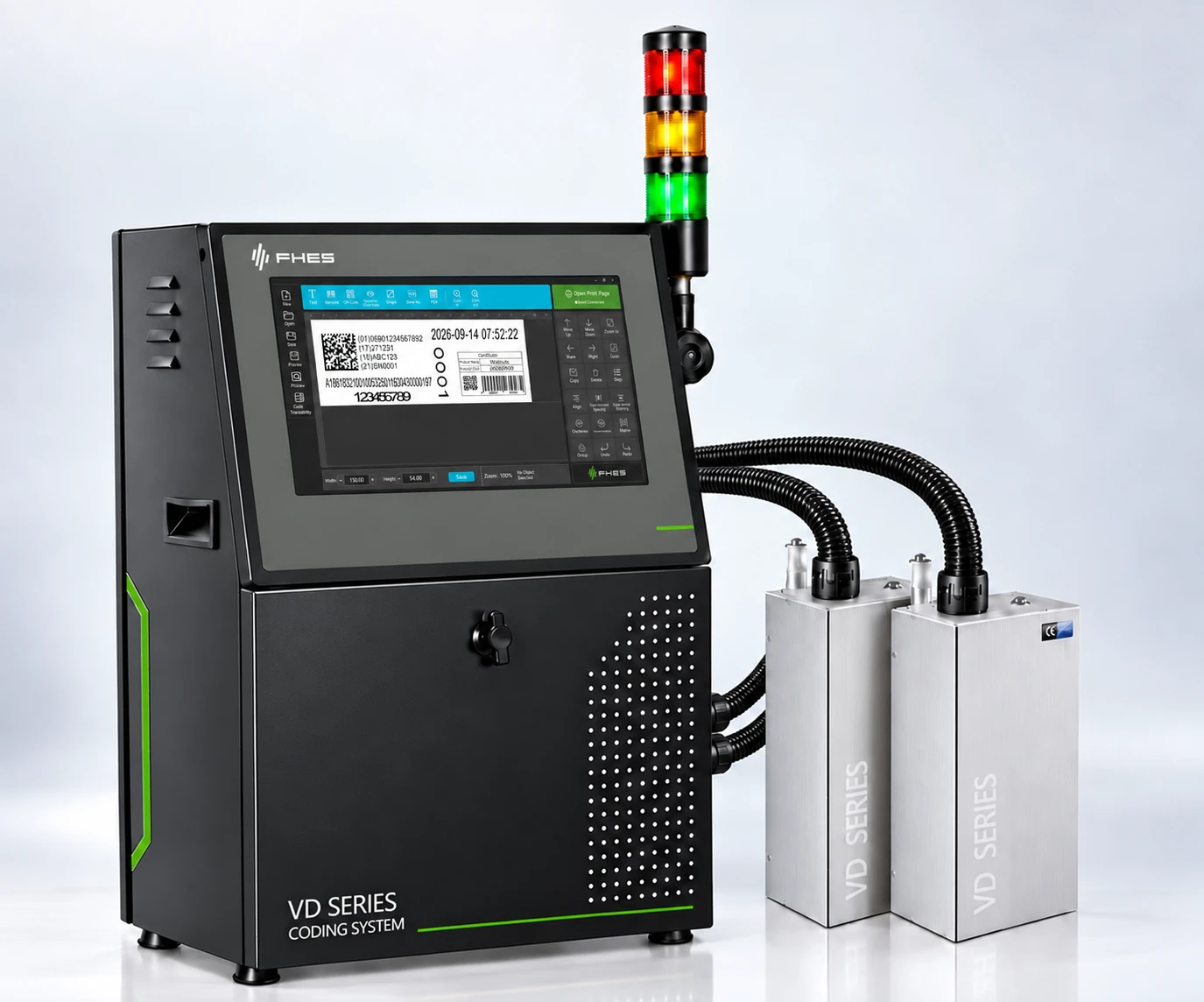
Select the model based on print width, resolution and line speed first, then determine the ink supply configuration according to the ink, installation orientation and site ink-system conditions: VD uses intelligent negative-pressure ink supply; KD uses intelligent siphon ink supply.
VD and KD retain their respective model names and brochure specifications; confirm different installation orientations and new-product configurations against the corresponding brochures and site testing.
Ink supply method is the main difference between VD and KD; check suitable orientations against each brochure version and project operating conditions.
VD / NEGATIVE PRESSURE
VD Intelligent Negative-Pressure Ink Supply
Negative pressure, ink replenishment, level and temperature status can be managed according to the configuration. The VD V1.0 brochure limits the basic configuration to downward printing; same-direction stitching with two modules requires site calibration.
Establish ink supply status based on ink position, level and ink-system conditions. The KD V1.3 brochure lists layouts for multiple orientations; upward or steep-angle installation requires verification of ink supply, print distance and curing.
Model names and specifications from the two brochures are listed separately; even similar numbers must be checked against the specific printhead, drop volume and brochure version.
VD / Intelligent Negative-Pressure Ink Supply
VD Basic Models
The following data is based on the VD V1.0 series brochure; confirm against the specific printhead module.
The nominal speeds in the table are based on the native resolution and single-drop mode specified in each brochure; actual production line speed is affected by print content, ink, orientation and installation conditions. Slash-separated values for KD70 / KD70 Plus correspond to different versions.
NEW / VD CONFIGURATION
Recent Products, Presented Separately
VD200+ and VD200E each have a dedicated V2.2 brochure; do not substitute the basic VD200 specifications.
* New-product speeds come from their respective V2.2 brochures under 300 × 600 dpi, single-drop mode conditions; the delivered configuration is subject to project confirmation.
03 / CONFIGURATION
Determine Ink Supply and Printheads from Site Conditions
Within the same series, printhead modules and ink supply configurations still require item-by-item verification.
01Define the Printing Task
Provide material samples, print content, target print width and line speed.
02Match the Ink Supply Solution
Confirm VD or KD according to ink properties, level, tube length, installation orientation and maintenance method.
The VD V1.0 basic configuration supports downward printing only; KD multi-orientation layouts and the two new VD products are subject to their respective brochures and actual testing.
SOURCE / PRODUCT GUIDES
Download the Original Series Brochures Separately
Refer to the appropriate version of the product documentation for complete technical specifications and limitations.